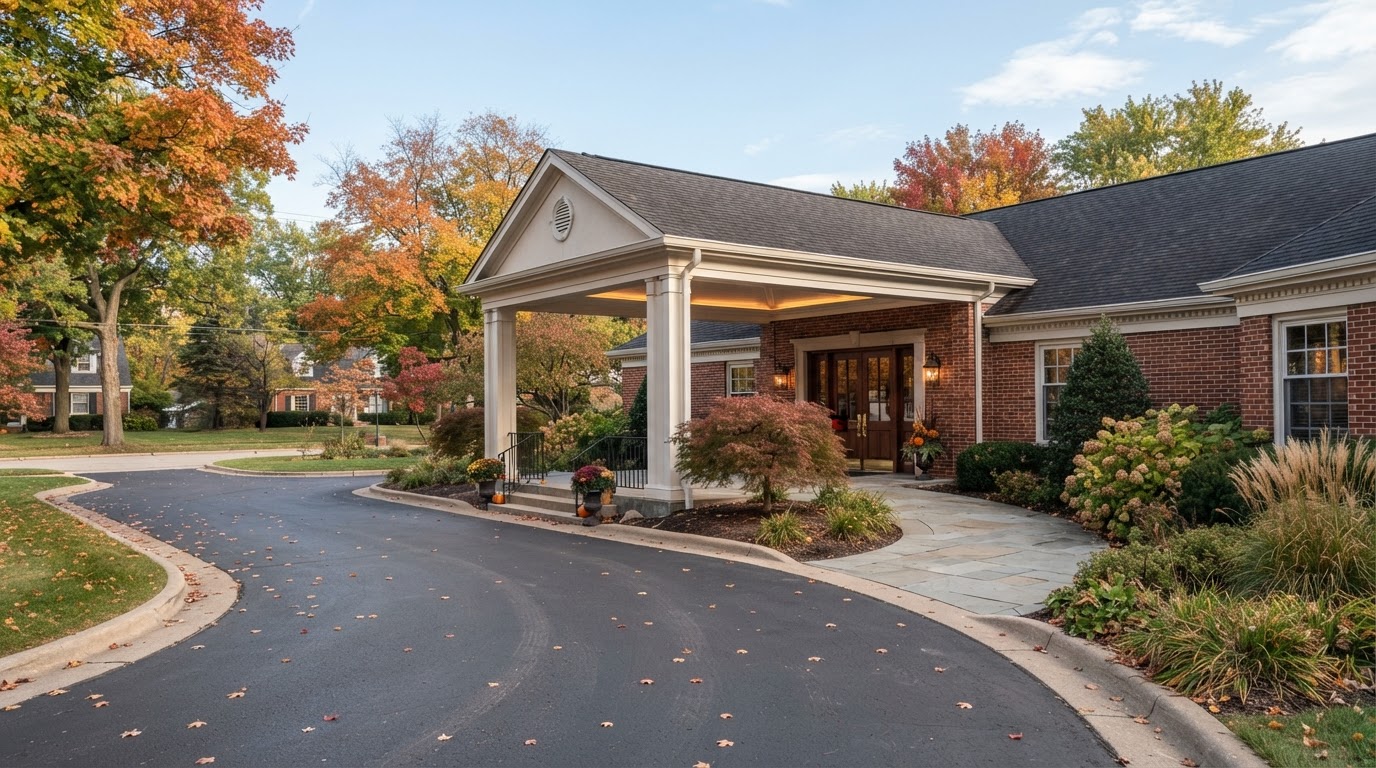
A guest calls from the parking lot five minutes before the funeral. She has the right street address. What she can see from her windshield is a locked church door, a school entrance, and a driveway that disappears behind the building. The person who wrote the obituary knew exactly which door to use. One sentence from that person could have spared her the call.
Funeral home website directions have to answer two questions. Where is the next event happening, and what should someone do when they get there? Open a recent obituary on your phone. Imagine you know the family well and have never been to any of the buildings. How far could you get using only what’s on the screen?
Key Takeaways
- Funeral home websites must provide clear directions for each event to prevent confusion and last-minute calls.
- Use specific venue names and details, including addresses and landmarks, to help guests find their way easily.
- List directions beside event times to clarify where guests should go for visitations, funerals, and burials.
- Test directions on mobile devices to ensure accuracy and clarity for first-time visitors.
- Assign responsibility for updating details and use staff insights to continually improve communication on website directions.
Get the free Service Location Worksheet to check each venue before posting an obituary.
Give every public event its own location
A visitation at your funeral home, a funeral at a church, and a committal at a cemetery are three separate trips. Your business address may appear at the bottom of every page. To a guest skimming on a phone, it can look like the destination for all three. Put the venue beside the time for each event, even when that means repeating an address.
Use the name a guest will see on the building or roadside sign. Include the day, date, local time, street address, city, and a clearly labeled directions link. If two branches of your firm share a name, put the branch name in the heading. A relative who screenshots one event and texts it to a cousin should send enough information for that cousin to arrive.
Order the entries the way the day will unfold. State whether the visitation ends before the service or continues until the service begins. If a burial is private, confirm the family’s preferred wording and leave its location and map link out of the public schedule. If details are pending, say which details you’ll update and where guests should check back.
Describe the last turn and the right door
Ask someone who welcomes guests at the venue what they tell a driver who calls from the street. “Use the west entrance” works for staff who know which way the building faces. “Turn onto Pine Street and use the covered entrance beside the flagpole” gives a first-time visitor something to recognize. Choose landmarks visible from the direction guests actually approach.
At a cemetery, confirm where guests should assemble. The cemetery office, chapel, mausoleum, and committal shelter may share a street address. Ask the cemetery whether guests should wait inside the main gate, meet staff at a particular building, or arrive with the procession. Publish the instructions the cemetery gives for that service. A map pin in the middle of the grounds cannot communicate a meeting arrangement.
Ask separately about parking, drop-off, and step-free entry. A convenient passenger drop-off may be on the opposite side of the building from guest parking. Give each driver the instruction they need. Confirm practical details with the venue before making an accessibility claim. “The Maple Street entrance has a ramp and opens directly into the visitation room” tells a guest more than an accessibility icon alone.
Show what the guest will actually read
Here’s a fictional example of how two entries from the same obituary might appear. The church and chapel names are deliberately different. Guests should be able to tell which destination they need without scrolling back to the beginning of the obituary.
Visitation · Friday, March 5 · 4–7 p.m.
Willow Funeral Home, North Chapel, 120 Maple Street, Brookfield. Enter under the canopy on Maple Street. Drivers may drop passengers at the canopy before parking behind the chapel.
Funeral service · Saturday, March 6 · 10 a.m.
Grace Church, 40 Pine Street, Brookfield. Use the fellowship hall parking lot on Pine Street. The step-free entrance is the double door facing that lot. Burial will take place privately.
For a different service with a public burial, give the committal its own entry. If the cemetery confirms it will provide an escort, the notice might read:
Committal · Saturday, March 6 · 11:30 a.m.
Willow Grove Cemetery, 80 Orchard Road, Brookfield. Guests driving directly to the cemetery should enter at the Orchard Road gate and pull into the marked waiting lane on the right. A cemetery representative will meet the group there and lead everyone to the shelter.
On the real obituary, give each public entry its own link, such as “Directions to Grace Church.” A row of identical “Map” buttons is easy to mix up. The W3C guide to writing accessible web content explains how meaningful headings and link text help people navigate. Those same labels help someone trying to find Saturday’s service while reading a long obituary.
Test the trip from the obituary itself
Open the actual directions link on a phone. Check the venue name, city, and arrival point. Zoom in on the last turn. Does the route approach the public entrance or point to a delivery driveway? A search result for the right organization can still send someone to its administrative office. Confirm any discrepancy with venue staff before changing the instructions.
If you share a route, follow Google’s instructions for sharing directions and test the resulting link on another device. Check whether it carries over an origin that only makes sense for a procession leaving your chapel. A guest arriving directly from home needs to be able to use their own starting point. Keep the written address visible so someone can copy it into their preferred map app.
Hand the phone to a staff member who didn’t enter the arrangements. Ask, “You’re coming only to the Saturday service. Where will you park, and which door will you use?” Let them work without hints. Watch where they hesitate. If they tap your funeral home’s footer address instead of the church link, move the church details closer to the time. For a broader check of tap targets, scrolling, and readability, use our mobile website usability check.
Make corrections where guests will look
Give one person responsibility for confirming public details before the obituary goes live. Record who supplied the information and when. Your staff can keep a reusable venue entry for a church or cemetery, but the person handling the service should confirm temporary conditions. Construction, a locked gate, or a different room can change directions without changing the address.
If the entrance changes, update the original event entry first. Add a dated note beside the affected event and replace any conflicting instructions. Then check copies your staff controls, including calendar entries and scheduled social posts. Give the person answering the phone the same wording. Guests who saved an earlier screenshot may call even after the website is correct.
Start with the call your staff answers most often
Ask the front desk which venue prompts the most day-of-service calls. Pull up the most recent public obituary for that venue and compare its directions with what staff actually say on the phone. The missing detail might be just six words: “Enter from Pine Street after parking.” Add a field for that detail to your obituary workflow so the next family benefits from what your staff already knows.
This is a practical application of planning a website around what visitors need to do. A guest’s goal is simple. They want to walk through the right door in time to be there for someone they care about.
Get Your Free Service Location Worksheet
If guests regularly call from the wrong door, send Industry Ignitors an obituary page that causes confusion. In a free website review, we can look at what a guest sees on a phone, from the service time to the final turn, and point out where clearer wording or a better-placed link would help.