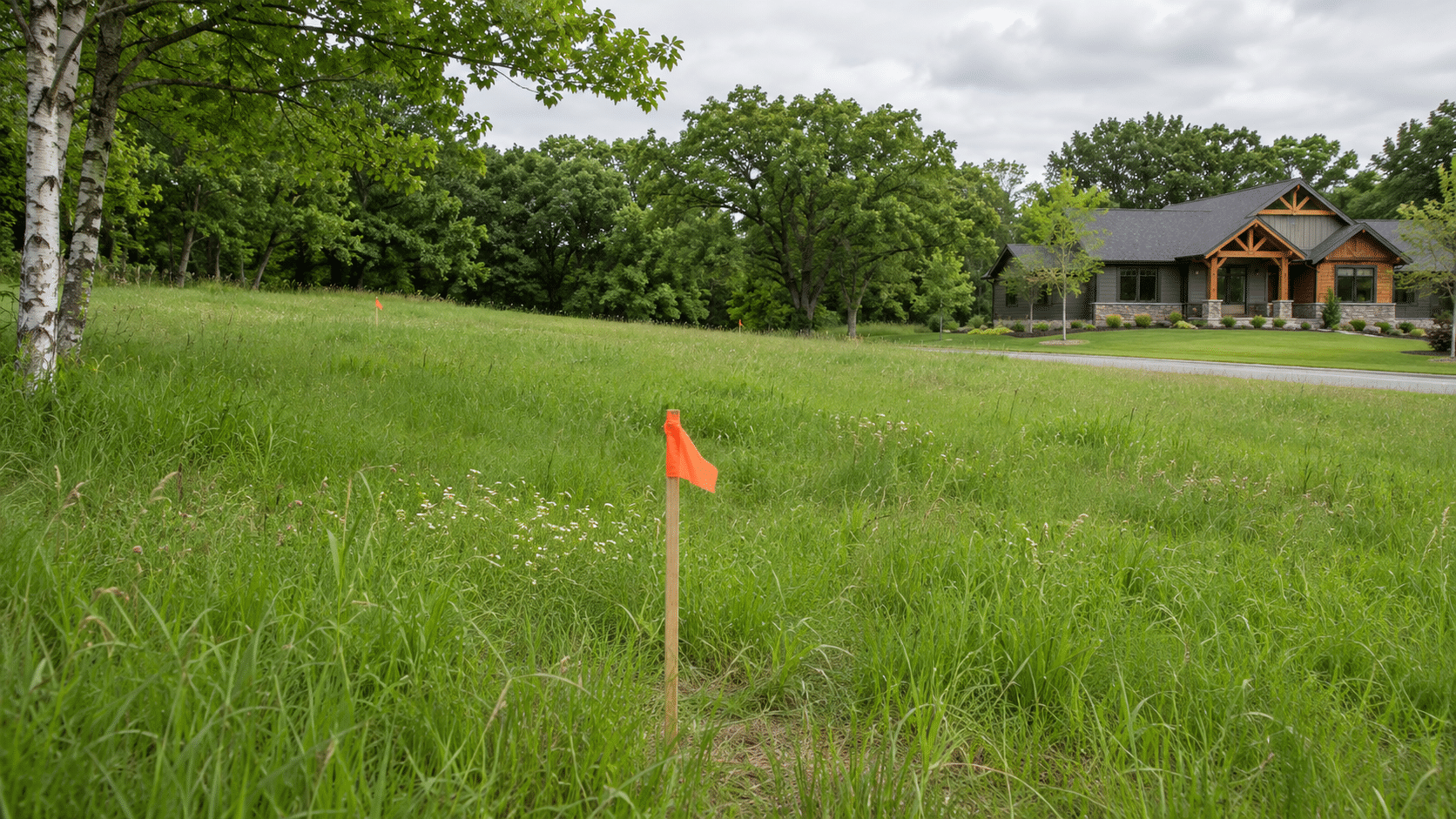
One family owns a wooded lot and wants to know whether their plans will fit. Another has the same house in mind but is still looking for land. If both visitors see a gallery and a “Get a Quote” button, neither knows what your team needs from them. The first may assume you can price the job from a floor plan. The second may leave because they think they have to buy a lot before calling.
A custom home builder website should make three things clear before someone reaches out. Can you build the kind of home they want? Can you work where they intend to build? What can they do now, given where they are with land, budget and plans? Start by testing those paths on your own website, or jump to the free Builder Consultation Readiness Worksheet.
Key Takeaways
- A custom home builder website must clarify what homes you build and where you build them for potential clients.
- Provide clear next steps for buyers based on their land status, whether they own a lot or are still searching.
- Explain the process from inquiry to construction, including budget discussions and financing information.
- Make your project portfolio informative, connecting projects to the buying process and allowing easy access to important details.
- Test your website like a buyer to ensure clarity and usability before potential clients reach out.
Say what you build and where you build it
Your home page should explain your building model in language a buyer can use. “We design and build custom homes on land you own in southeastern Wisconsin” tells someone more than “We build dreams.” Use a description that matches your actual business. If you build from a catalog of plans that buyers can customize, explain which changes are typical and when a request calls for a custom design. If you sell homes already under construction, give those listings their own path so a buyer can tell the difference between buying an available home and starting a custom project.
Make your project area just as clear. The address of your office and the places you build answer different questions. List the towns or counties you routinely serve and explain how you handle sites at the edge of your coverage. If you work only in specific communities, say so near the project inquiry. This guide to service-area pages can help you decide when a separate location page answers a real buyer question.
Give buyers a next step based on their land
I own a lot or have one under contract. Ask for the municipality or general location and let the buyer say whether a closing or due diligence deadline applies. Explain what your team can review at this stage. Depending on your process, that might mean discussing driveway access, slope, utility availability or whether the proposed layout makes sense for the site. If detailed evaluation is a paid service or needs a separate professional, explain when that conversation happens. A form submission should tell the buyer how review starts. Site suitability may depend on checks that come later. For a trade-specific example, see how an excavation contractor website can collect site access details and plans before an estimate.
I’m still looking for land. If you work with buyers before they purchase, say what early help looks like. You might discuss where you build and what information they should bring once they find a parcel. If your team starts after a buyer has a specific lot in mind, give them a short list of what to gather and tell them when to contact you. Some prospects may be looking only in a particular school district or near family. Let them share a search area instead of forcing a street address.
A person with architectural plans may belong in either group. Ask separately whether they have ideas, a sketch, preliminary plans or a finished set. Say whether you build from outside plans and when your team wants to review them. That keeps a buyer with plans and no land from getting routed as if their project were ready to price.
Explain what happens between inquiry and construction
Show the decisions buyers will make at each stage. A useful process page might start with a conversation about fit, followed by an initial site review, design or plan review, scope and pricing, then the contract and preconstruction work. Use your own sequence. If there’s a design agreement, a paid site visit or a decision about who handles permits, name the point at which you’ll discuss it and who takes the lead.
Explain what a preliminary budget conversation covers. One buyer’s “project budget” may include land, utility work and landscaping. Another may mean the house alone. If you share a starting range, label its scope and identify common costs that may sit outside it. If you use allowances, give an example of a selection that could affect the final price. You can use the same approach when writing a service page that helps customers decide.
Keep financing language practical. Tell prospects when you typically need to discuss how construction will be funded and let them take loan questions to their lender. The Consumer Financial Protection Bureau’s construction loan overview explains why funds are often released in stages. The website can describe your process and leave eligibility, terms and timing to the lender.
Make your portfolio useful to someone comparing builders
Give a few representative projects enough context to explain what your team did. A photo of a walkout basement is more useful when the caption explains that the layout followed a sloping site. A kitchen photo could show how a family’s traffic flow shaped the plan. Label renderings as renderings and credit outside designers as appropriate. Use photos and client details you have permission to share.
Connect the gallery to the buying decision. A buyer who sees a home built on a narrow lot should be able to go from that project to your build-on-your-lot page or find out how to discuss their own parcel. For trust questions that extend beyond the gallery, the National Association of Home Builders’ hiring checklist shows what buyers may want to verify, including insurance, references and examples of completed work. Make it easy to ask your team for current documentation and explain how buyers can request references. Describe warranty coverage using the terms you actually provide.
Ask for enough information to make the first call useful
Use a button such as Tell Us About Your Build or Request a Project Consultation. Put it where buyers are ready to act, including on project pages, your process page and your mobile navigation. The form should ask for the details your team uses to decide who should respond and what to discuss first.
- Name and contact information. Collect a reliable way to reply. If your team can follow up by phone or email, let visitors tell you which works better.
- Lot status and location. Offer “Own a lot,” “Under contract,” “Considering a specific lot” and “Still looking.” Ask for the town or county and make a street address optional at first contact.
- Project type and scope. Ask whether they want a fully custom design, changes to an available plan or a build from plans they already have, where those options apply. Let them share an approximate size or a short description.
- Budget range. Tell buyers whether you’re asking about construction alone or the full project. Include “Still figuring it out” if your team handles early conversations.
- Timing. Ask when they hope to start and whether a land closing or other deadline affects the first conversation. Treat it as planning information.
- Plans or photos. Invite a brief description first. Ask for documents later through the channel your team uses for project files.
Use the confirmation to explain the next step. For example, “We’ve received your project details. Our team will review your location and project scope before reaching out about a first conversation.” Only give a response window if your team can honor it. A consultation request should be recorded as an inquiry until someone confirms the appointment. Give current clients a separate way to ask about selections, active construction or warranty service if those requests go to another team.
Test the website like a buyer
Use a phone and run through two scenarios. In the first, you own a sloped lot in your service area and have preliminary plans. Can you find out who reviews the site and send an inquiry? In the second, you’re still looking for land and have a rough budget that includes the lot. Can you tell whether you’re early enough to get help? Can you finish the form without inventing an address or guessing which costs the budget field covers?
Then submit a labeled test inquiry. Check what appears on the screen, what reaches the person who handles new projects and whether the confirmation makes sense. Use this contact form testing guide to check delivery as well as the visitor experience. Fix the first step where either buyer gets stuck. That may be a sentence about lot requirements, a better project caption or a change to the form.
Put your findings to work
Use the worksheet to compare what buyers can find on your site with what your team needs for a useful first call. Mark any missing details about lot status, plans, budget or timing.
Get Your Free Builder Consultation Readiness Worksheet
Get a Free Website Review
Industry Ignitors can review your website and online presence to see where prospective buyers have to guess about lot readiness, project fit or what happens after they inquire. You’ll get specific opportunities to make those steps clearer.