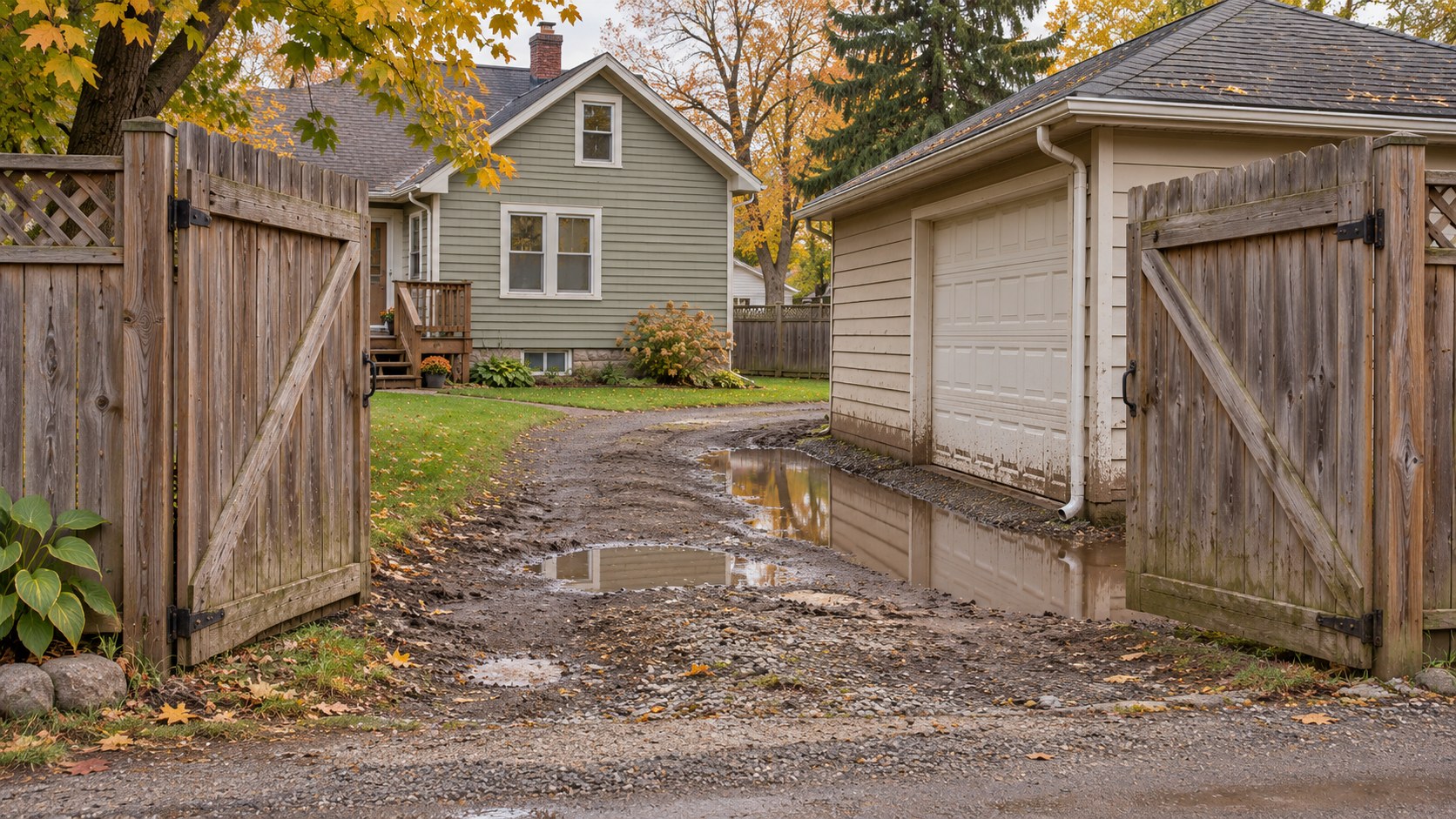
A homeowner sends a picture of standing water beside a garage. A builder sends a link to thirty sheets of civil drawings. Both click “Request an estimate.” On Monday morning, your estimator opens two messages with the same subject line. One leaves out how to reach the garage. The other leaves out which part of the job the builder wants priced. Both customers answered the questions you put in front of them.
A useful excavation request form gives your office enough information to make the next decision. Sometimes that means calling about access. Sometimes it means checking a drawing before the bid deadline. Here’s how to build both paths and test what actually lands on the estimator’s desk. The Excavation Request Handoff Worksheet gives you a one-page version of the test.
Key Takeaways
- An effective excavation request form gathers essential information, reducing confusion for estimators.
- Customers should have clear options to describe their projects, improving the quality of submissions.
- Build submissions for property owners and builders differently, focusing on relevant details for each.
- Make file uploads optional and provide clear instructions to avoid confusion during submissions.
- Test the submission process thoroughly to ensure that all critical information reaches the estimator effectively.
Give the customer two ways to start
Try one opening question. “What are you sending us?” Offer “A question about work on my property,” “Plans or an invitation to bid,” and “I’m not sure.” A builder calling about water behind their own garage belongs on the property path. A property owner working with an engineer may have a bid package ready. The answer tells you what material the person has in hand. Their job title would tell you much less.
Keep the shared fields short. Ask where the work is, whom to contact, and how to reach them. Accept a lot number and nearest intersection for an undeveloped parcel. If the billing address belongs to the builder’s office, label the first address “Project location” so a request in your service area reaches the right person. For deciding which kinds of work to feature before someone gets this far, see the excavation contractor website guide.
Ask the property owner what they can see
“What would you like to change?” invites a more useful description than “Select the required drainage solution.” Picture someone typing, “After a hard rain, water stands between the garage and the fence until the next afternoon.” Save those words. They give the estimator a location, an observation and a sense of timing. A dropdown answer of “grading” would throw away all three.
Follow with “How would we get from the street to that spot?” An example below the field helps people understand the level of detail you want. “The driveway is in front. The only gate to the back is off the alley, beside the detached garage.” If the customer knows the gate width, give them a place to enter it with units. Accept “I don’t know.” Your office can decide whether a measurement would help on the next call.
Ask for two optional views with a purpose. One can show the affected area and a recognizable landmark. The other can show the route from the entrance toward the work. Two close-ups of a puddle may show how wet it is and still leave the estimator wondering whether the fence in the background belongs to the neighbor. Invite customers to use photos they already have. Make it possible to send the request with neither photo.
Keep the customer’s observation intact in the message to your office. “Neighbor has a wider driveway” is worth discussing. If the form converts it to “Alternate access available,” someone may start planning around permission nobody has given. A useful first callback would be, “You mentioned the alley gate. Is that the entrance you control?”
Ask the builder which scope and drawing set to use
Give the bid path its own deadline field and label it “When is your price due?” Supply a separate, optional field for anticipated work dates. A bid due Friday for a project breaking ground in spring needs attention this week. One field labeled “Project timeline” leaves your office guessing which date the sender meant.
Next ask “Which work would you like us to price?” Imagine a builder sending a site package that includes clearing, mass grading, storm utilities and paving. The estimator needs to know the invitation covers grading and storm utilities only. Provide room for exclusions in the sender’s own words. A specification book can describe several trades even when the invitation covers only one.
Put the plan-room link or file upload next to “Which drawing issue or addendum should we use?” A useful answer might read, “Civil sheets C2–C5, revision dated October 8. Addendum 2 changes the storm layout.” Let the sender leave the revision unknown. The estimator can ask which issue governs before spending time pricing an older layout. Lindsley Excavating’s bid request page is a working example of asking for a defined scope, current documents and a deadline.
Make revisions easy to match later. In the receipt, repeat the project name or lot identifier and tell the sender where to send a replacement sheet. In your office, keep the original request and mark the newer drawing with its received date and what it replaces. When two builders invite you to price the same development, keep the inviting company attached to each request. Their deadlines or scope exclusions may differ.
Make uploads optional and failures visible
Place the file formats and actual size limit beside the upload button. If your form accepts PDFs and phone photos, say which photo formats it handles. Test a real phone image against that list. Keep the instructions visible after someone selects a file. The W3C guide to form instructions explains how to communicate required fields and expected formats where people need them.
Test the failure message as carefully as the upload button. If a file is rejected before submission, the page should identify the file and let the customer remove or replace it without retyping the project description. If your system accepts the inquiry but loses its attachment, the receipt should tell the customer which part arrived and how to supply the missing file. Only use that wording if your system can distinguish those outcomes.
A plan-room link is another way to send a large set, but a link that opens for the sender may still require an invitation for your estimator. Test it using the account your estimator normally uses. Ask the sender for the project contact who can grant access. Keep login passwords out of the form.
Turn the submission into a useful first call
Read the notification on the device your estimator uses. Put the project location, type of request, and any bid deadline at the top. Preserve the original description below them. Put known access restrictions beside the photos and the drawing issue beside the link. If a customer skips an optional measurement, leave it unknown. An empty field that appears as zero in the email changes the meaning of their answer.
For the garage example, the office should see the location of the water, the alley approach and the unanswered gate question together. For the builder, it should see the requested work, current drawing issue, price deadline and person handling addenda. When someone mentions permit paperwork or utility records, record who has the documents and who will follow up. Treat those details as questions for project review. A customer’s checkbox cannot establish site readiness.
Run both requests all the way through
On a phone, send the garage request with no street-facing entrance, no measurements and no attachment. Then send the builder invitation from a desktop with a plan link, a bid deadline and a later construction date. Follow with a revised sheet. Hand the messages to the person who would handle them without explaining what you entered.
Ask that person to point to the entrance, name the first unanswered question, identify the current sheet and tell you when pricing is due. If they have to reopen the website to interpret a field, revise its label or the email layout. If a message never arrives, use the contact form testing guide to trace delivery before changing the questions.
Download the Excavation Request Handoff Worksheet
Use the worksheet with the person who answers your phone and the person who prices the work. Compare the next action each would take from the same submission. Start with the field where their answers differ most.
Get Your Free Excavation Request Handoff Worksheet
If you’d like another set of eyes on what the customer submits and what your estimator receives, Industry Ignitors can review that process with you.