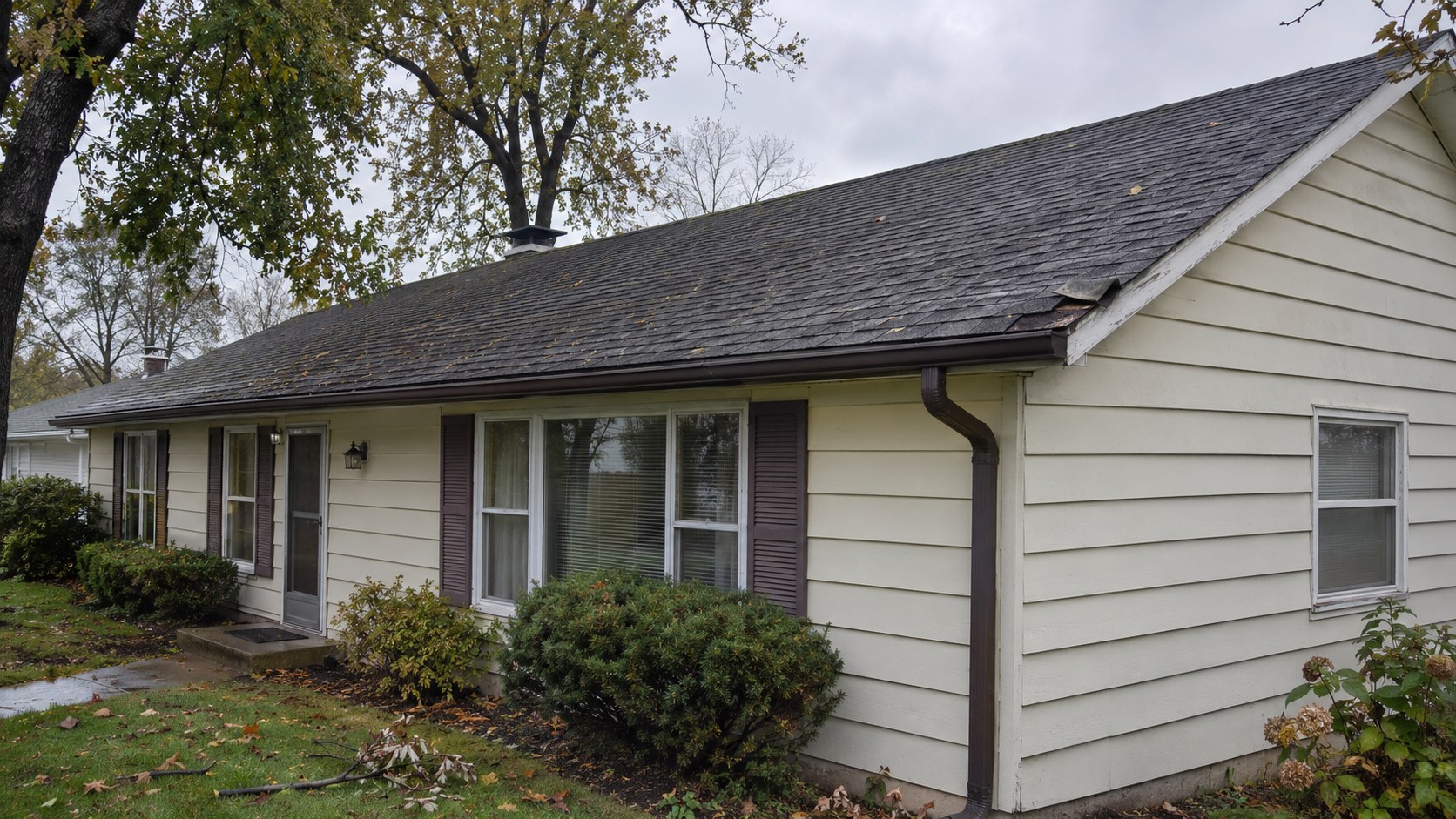
At 7:10 on a Monday morning, your office opens three messages from the same ZIP code. Water is still dripping into one customer's upstairs bedroom. Another noticed shingles in the yard after Saturday's wind but has seen no water inside. A third wants a replacement quote before listing the house. All three sent a message through the roofing website. Which one does your office call first, and what does each customer think will happen next?
A roof leak intake form should help your team answer both questions. Start with the decisions the office makes when a request arrives. Then make those decisions visible in the service page, the form and the reply the customer sees.
Key Takeaways
- Ask whether water is coming in now so the office can prioritize the request.
- Assign a reviewer and a backup for active leaks, storm assessments and planned replacements.
- Make photos optional and accept only images taken from a safe location.
- Tell customers when you review requests and how you confirm a visit.
- Send one test down each path and have a backup staff member explain what they would do next.
Use the Roof Leak Intake Handoff Worksheet to run the three test requests and see what your office receives.
Write down who takes each request
Put the three Monday messages in front of the people who answer your phones. Ask who would take each one, who covers when that person is out and what the team can offer when the weather is still unsafe. A two-person company can have one reviewer for every request. The reviewer still needs a way to tell which calls involve water coming in now.
- Water is coming in now. Give the visitor the phone option your company actually monitors. If you can assess leaks during business hours only, put those hours beside the number. Tell the office which person reviews active leaks and who can confirm availability.
- Possible storm damage without active water. Send the request to the person who schedules assessments. Ask what the customer saw and when they noticed it. Give the customer a way to tell you if the situation changes before the scheduled call.
- Planned replacement. Send it to the estimator. A target date or reason for the project is useful here. The same questions can wait while a caller is dealing with water inside.
Keep an “I'm unsure” choice. Someone who sees a ceiling stain may have no idea where the water came from or whether it is still getting in. Give that request a reviewer and keep the customer's own description visible. The roofing contractor website guide covers how leak, storm and replacement services fit into the rest of the site.
Start the roof leak intake form by asking about active leaks
Use a question a customer can answer from where they are. “Is water coming in right now?” is more useful to the office than asking them to choose between flashing, shingles and a vent boot. Offer “Yes,” “No” and “I'm unsure.” A storm date provides context. It can’t establish what caused the damage.
Ask for the property location, a callback number and a brief observation. If you serve both houses and commercial buildings, ask for property type when the answer changes who gets the request. Leave room for a small detail such as “above the desk in the front office.” The crew can use that detail to plan whom to meet and which part of the building to ask about.
When the form opens from the storm page, you can preselect the storm option if the selection stays visible and the customer can change it. Someone may land there after finding shingles in the yard, then discover an active drip while completing the form. Their final answers should go to the person who handles active leaks, regardless of where the form opened.
Keep your availability close to the first question, especially on mobile. If you stop taking calls at a certain time or your crew can only offer inspections after conditions improve, use copy that reflects that situation. Have a version ready for days when the phone is staffed but the crew has no immediate openings. The website, call greeting and office should give the same answer.
Let customers send what they can already see
A useful upload prompt might read, “If you already have a photo taken from a safe location, you can attach it here. You can send your request without a photo.” Keep instructions about staying off ladders and roofs directly beside the upload control. After a damaging storm, tell people to stay clear of unsafe areas and use emergency services if anyone is in immediate danger. The CDC's guidance for returning home after a disaster describes warning signs that make entering a building unsafe.
A photo can help staff find the spot the person is describing. Ask the team what it actually uses. A ground-level view of an area someone already saw may be enough to orient the inspector. The written description can be enough to schedule the call when there's no photo. Keep both requests in the same workflow.
Show accepted file types and limits before upload, and give people a way to remove a rejected file and send the request. The W3C's form instructions guidance explains why required inputs and format instructions need clear labels. Try the form with one ordinary phone photo, then try it with a file your site rejects. Check that the visitor's other answers survive and that the request can still go through.
Tell the customer what has been confirmed
Use the receipt to tell the customer who reviews the request and what happens next. For an active-leak message, an example could read, “We received your request. Our office reviews these messages during the business hours listed above. Call the posted number during those hours to ask about availability. We will confirm any visit by phone.” Use that wording only if it matches your operation. If someone monitors after-hours calls, describe exactly what that person can arrange.
For a storm assessment, say whether the office will first confirm service coverage, call to discuss the concern or offer an inspection time. If an assessment carries a fee, explain when the customer will hear about it and who can approve it. A property manager may need the inspection scope in writing before authorizing a visit. A tenant may need to connect the office with the property owner before anyone can schedule work.
Describe the documents you actually provide after an assessment, such as photos of observed conditions and a written repair scope. Send questions about coverage and the claims process to the customer's insurer. In Wisconsin, the Office of the Commissioner of Insurance's storm guidance recommends that policyholders contact their agent or insurer, document damage and keep receipts. Use the relevant state guidance for the areas you serve. The initial roofing request can route to an assessment without collecting a policy number, claim documents or a deductible amount.
Test the office handoff during a realistic backlog
Open the page on a phone and send the three example requests from the introduction. Make the active-leak request with no upload. Send the storm request after posted business hours. Submit the replacement request through its own page. Check what the customer sees after each submission and what arrives in the system your office actually uses.
A notification with “New website lead” as the subject makes a dispatcher open all three records to work out what happened. Put the request type and service location in the subject or at the top of the record. Include the callback information and the customer's observation in predictable places. If calls and forms land in different systems, decide how staff will recognize and combine two contacts about the same property without losing the latest update.
Ask a backup staff member to open the test records without coaching. Can they tell what to do with each one? If two requests land in the same queue and need different actions, change the label, routing rule or instructions and rerun the test. Use the contact form testing guide to trace a request when the website confirms receipt but the office cannot find it.
Get the Roof Leak Intake Handoff Worksheet
Open the worksheet on a phone or print it for your office. Run the three test requests, compare the receipts and assign the first three changes.
Get Your Free Roof Leak Intake Handoff Worksheet
Get a Free Website Review
Start by comparing what your page tells a customer with what your office can actually do on a busy morning. Industry Ignitors can review your website and online presence and identify specific places where a clearer contact path or better handoff would help.